
Total Conquest Map Overview
How a Total Conquest match board is laid out: tiles, cities, spawns, neighbors, and the chokepoints that decide a beta game.
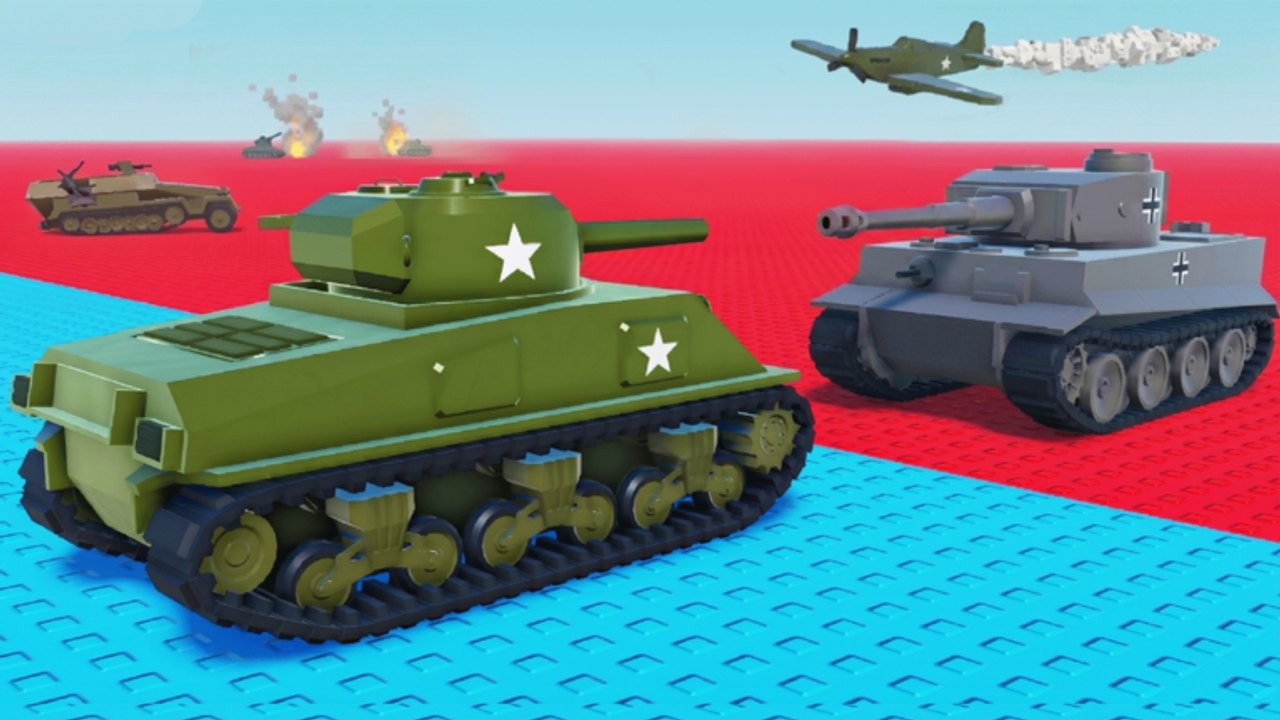
Total Conquest drops up to 50 commanders on the same live board. Every commander owns some tiles, sends armies into neighbors, and competes for cities. The board is the entire game. If you do not read the map in the first minute, you will not read the result screen either. This page is the picture before the production rule from how to play.
Board basics
- One Roblox instance, one live board, one shared timer.
- Up to 50 commanders at once. You can queue solo or with a premade. Voice chat is not supported, so use an external call.
- Tiles are split between cities and countryside. Cities boost troop production. Countryside is mostly movement space.
- Ownership is per-commander. You cannot share ownership with friends, only split responsibilities.
- The win condition is control the whole map. Kills, missiles, and clips are tools, not the scoreboard. Full loop lives on how to play.
Tile types you will see
| Tile | What it does | How to use it |
|---|---|---|
| City | Production multiplier, collect action | Hold, collect, garrison, overflow only |
| Countryside | Slow troop generation | Bridge between cities, chokepoint, buffer |
| Spawn region | Where you start | Usually a city; sometimes plain land |
| Border / chokepoint | One or two entrances | Defend with a floor; do not empty |
| Enemy-held | Anything you can attack | Siege with the troop-split planner |
LDS Fighting has not published exact tile counts, but typical matches give you 15–25 tiles in view from spawn. Cities are the minority. That scarcity is why they cost more.
Spawn reading in minute one
The very first thing to do is count cities:
- Zoom out. Drag the camera until you see the edge of the map.
- Mark every urban tile you can see. If the map lets you mark or tag, do it.
- Identify which city is your spawn. If your spawn is a city, you already won the draft — hold it.
- Identify the nearest rival city. That is the first siege candidate.
- Note the empty tiles between you and that city. Pathing through your own tiles is cheaper.
If your spawn is countryside, you are on the clock. The openings list ranks what to do next.
Cities versus countryside
A city is the only tile where collect is a real action. A countryside tile still generates troops, just less. Treat countryside as:
- a road between your cities
- a buffer that forces an enemy to walk extra tiles
- a block on someone else’s city chain
Do not paint a pretty ring of countryside around a single city and call it progress. The army hub explains why production matters more than borders.
Chokepoints and borders
Maps almost always contain corridors: a single countryside row between two urban clusters, a mountain pass, a river crossing. Whoever owns a chokepoint defends it with a garrison floor; whoever does not own one has to walk around and waste a turn.
When you are ahead, take the chokepoint. When you are behind, do not fight for it with a meme send — pocket turtle one collect cycle and take a different urban tile. This is the same idea as the how to win pile-on logic in miniature.
Reading other commanders
Three quick reads:
- City count. The scoreboard. Compare yours to the next player every minute.
- Front line. Where are the battles? If two rival players are clashing, you have a window to take a city they are ignoring.
- Garrisons. Zoom on enemy cities. Visible garrisons tell you whether a siege needs a missile or a simple overflow send.
If a rival paints a huge countryside border but holds only one city, they are losing the production war. That is how an opening like capital hunt dies on the tier list.
Map size, server cap, and pacing
A 50-player server fills up fast when the experience is busy and crawls when it is empty. Both extremes punish greed:
- Full servers. Stacks converge early. Cities flip within minutes. Hold a home guard or be the first casualty.
- Sparse servers. Empty corners mean you can turtle longer, but the timer rewards map control. Still take cities.
The beta notes page tracks known pacing changes when LDS Fighting ships a [🔥UPD] build. Recheck after a patch.
What the map will not tell you
- Exact troop tick rates. Percentages in the troop-split planner cover that.
- A public command catalog. The command roster sorts rolls by job, not by invented name.
- A guaranteed safe corridor. Borders change every send. Keep a home guard.
If a mechanic is still opaque in beta — exact tile counts, hidden spawn rules — the page will say so. When the developers publish numbers, this page replaces the rule with the number.
Use the map with the rest of the wiki
- New players: start at getting started, then come back here for the picture.
- Mid-game: pair this with how to win for the close.
- Friends: layer play with friends on top so the city split is on the same screen as the map.
Read the board, count the cities, walk through your own tiles, and keep a floor. The map is the game; the rest is timing.
Frequently Asked Questions
Quick answers to the most common questions.
How many players are on a Total Conquest map?
Up to 50 commanders in one Roblox instance. Voice chat is not supported, so coordinate with text or external calls.
What is the difference between cities and regular tiles?
Cities boost troop production and offer a collect action. Regular tiles still spawn troops but much more slowly. Cities are the scoreboard.
Where is the best place to spawn?
On a city. If you spawn on countryside, treat it as a clock — head for the nearest urban tile and garrison as soon as you own one.
Do I have to read the map to win?
Yes. Map control is the win condition. Skipping the picture is how new players walk an empty capital and blame the game.