
Total Conquest Codes Not Working
Why the com code or any new drop can refuse to redeem in the open beta, and the exact checks to run before assuming it is expired.
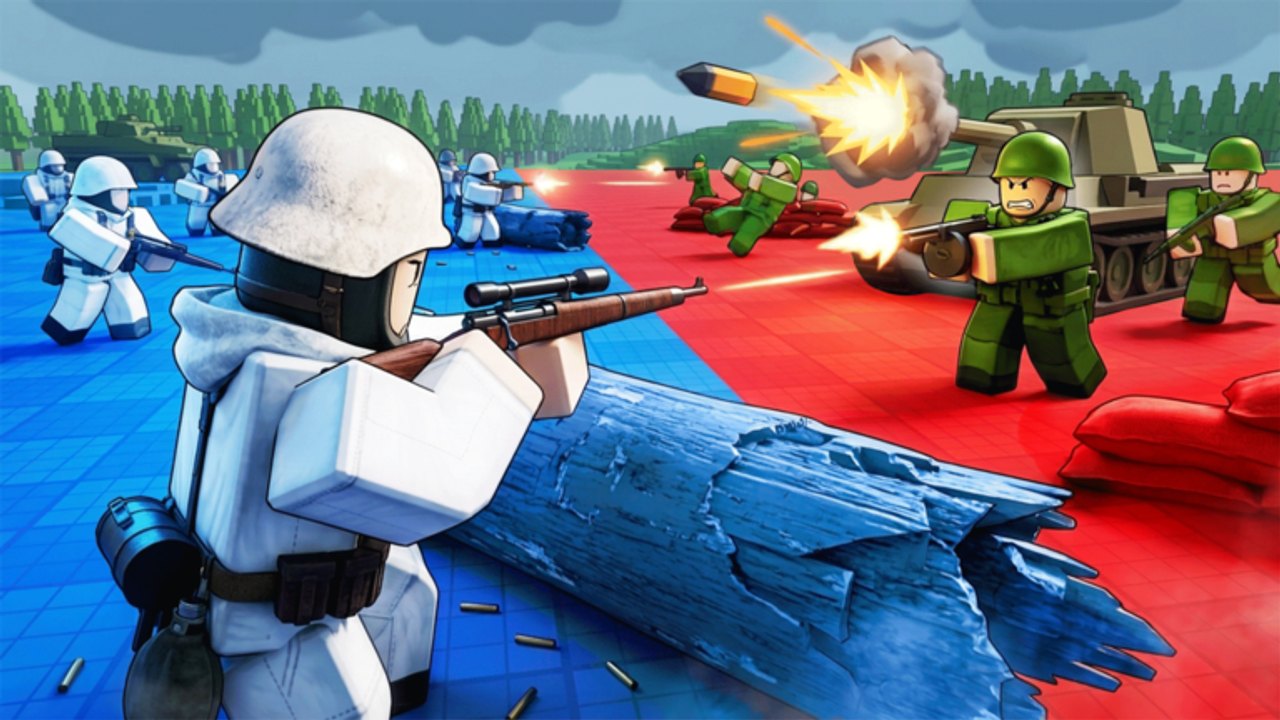
If a Total Conquest code refuses to redeem, the cause is almost always one of five things: you are still in the lobby, you mistyped the string, you are in the wrong game, you already claimed it, or the HUD hitched. The current public code is com, which grants one free command roll. This page is the troubleshooting ladder. The full code list lives on the codes hub, and the exact click path lives on how to redeem.
Run this checklist first
- Are you in a live match? The gift button only appears once the map has loaded with at least one other player. A solo lobby will not show the gift UI.
- Is the code exactly correct?
comis three lowercase letters. No spaces. No punctuation.COM,com.,com, andComall fail. - Are you on the right place? The Roblox listing sometimes shows both
Total ConquestandTotal Conquest WW2. Match place ID131530256182298. A different ID is a different game. - Did you already redeem? Codes are typically once per account. Trying to redeem the same string twice returns an already-claimed state, not an error message.
- Is the HUD frozen? A beta desync hides the gift button. Leave and rejoin once before you assume the code is dead.
If all five pass and the code still fails, the issue is on the developer side. Move to the next section.
Common error states
| Symptom | Most likely cause | Fix |
|---|---|---|
| Gift button not visible | Still in lobby or HUD hitch | Wait for second player, then rejoin once |
| ”Invalid code” | Typo, capital letters, extra space | Re-paste from the codes hub |
| ”Already redeemed” | One-time claim | Spend the roll you already have; the command roster covers that |
| ”Try again later” | Roblox anti-spam cooldown | Wait 60 seconds, then resubmit one clean paste |
| Code box closes on submit | Beta desync | Rejoin, then redeem again |
| HUD shows the gift button but no text box | Wrong Roblox experience | Confirm place ID 131530256182298 |
Lobby wait is the #1 cause
The official Roblox description asks for at least two commanders to start a match. While you wait, the gift UI is hidden. Do not type codes into chat. Chat is not a console. When the match HUD finally paints, the gift button appears in the shop cluster.
If your lobby never fills, it is likely Roblox instance routing, not a broken code. Leave and rejoin. The 50-player cap does not mean your instance is full.
Wrong game confusion
Search results mix this experience with Conquer The World WW2 (different place ID, has factories and Spain skins) and with the Gameloft mobile Total Conquest (2013 Roman city-builder, offline). If your HUD has research trees, generals, or barracks, you are not in the right experience. Codes for those games do not work here, and codes for this game do not work there.
Typos and casing
com is case-sensitive in most Roblox experiences. So far, all confirmed Total Conquest strings are lowercase. Paste, do not retype. Phone auto-correct turns com into come and friends more often than players admit.
If you are on mobile, copy the code from the codes hub using the system clipboard and paste into the gift box. Manual typing on a phone is the most common typo source.
Expired codes
The only public Total Conquest code right now is com, and LDS Fighting has not retired it since the open beta opened on 29 July 2026. If a future code drops and dies, the codes hub will move it to the Expired table rather than deleting history. Do not trust third-party “active codes” lists that mix in Conquer The World WW2 strings.
Beta hitches
Because the listing still says [Beta] and [🔥UPD], HUD issues are normal:
- The gift button can hide when the match first paints, then reappear after a beat.
- The text box can refuse input until you tap once on the map.
- A send can vanish from the panel, leaving the code form unable to render.
The fix is the same in all cases: rejoin once. If the issue persists across two rejoins, file a report on the Roblox community with place ID, button name, and one screenshot. The report template is on beta notes.
Where to check for new codes
Code drops appear in this order:
- The Roblox game page itself (
[🔥UPD]title prefix). - LDS Fighting group posts on the Roblox community.
- In-game gift or shop prompts after a thumbs-up milestone.
Some roundups mention Discord drops. We have not verified a stable public invite for this experience, so we will not paste a random server. The full link list is on official links.
What will not fix a broken code
- Typing the code into chat.
- Downloading an “auto-redeem” executor. See script safety.
- Buying a starter pack and hoping the code appears in your inventory. The pack is separate from
com. - Restarting Roblox when the lobby itself never started. Rejoin the experience instead.
- Assuming the code is expired because a YouTuber said so. Verify on the codes hub page.
When nothing else works
Run the steps in order:
- Rejoin the experience.
- Confirm the lobby actually started (a second player is in the seat next to you).
- Open the gift button and paste
comexactly. - If still failing, check the codes hub for any new strings that may have replaced
com. - If still failing, file a clean bug report on the Roblox community using official links.
Redeeming is a thirty-second job once the HUD is honest. The rest of the wiki teaches you what to do with the roll you get.
Frequently Asked Questions
Quick answers to the most common questions.
Why is the Total Conquest gift button missing?
You are still in the lobby waiting for another player, or the HUD hitched. Wait for the match to start, then rejoin once if it still does not appear.
I typed com but it says invalid. What went wrong?
Most often it is a typo, capital letters, or an extra space. Paste the code from the codes hub instead of typing it.
Are codes once per account?
Most Roblox codes are. If com returns an already-claimed state, spend the roll you already have via the command roster.
Will you tell me a Discord for new codes?
Only if LDS Fighting publishes a stable invite. Until then, watch the Roblox game page and the LDS Fighting group posts. Full links are on official links.