
Total Conquest Controls
Tile selects, army sends, collect, shop cluster, gift button, and camera notes for PC and mobile in the open beta.
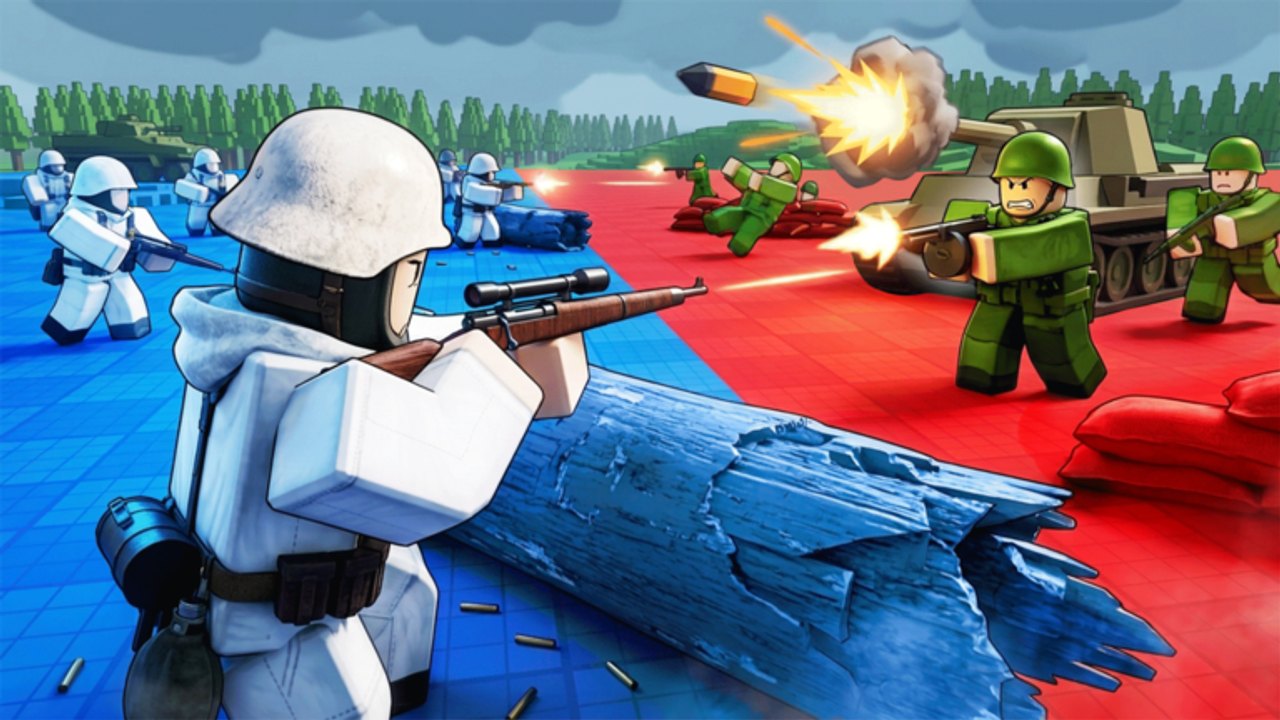
Total Conquest is a click-the-map strategy game, not a WASD shooter. Most losses that look like “I got rushed” are actually misclicks: empty capital, send canceled, gift button ignored in the lobby. This page is the HUD. Pair it with how to play so you know why you are clicking, and with getting started if you have not finished a match yet.
LDS Fighting has not published a full keybind bible. The table below is what first-look matches and the live HUD actually expose. If a [🔥UPD] build moves a button, the updates hub will note it.
Core match actions
| Action | What to do | Why it matters |
|---|---|---|
| Select a tile you own | Tap or click the region | Origin for sends and collect |
| Send army | Choose destination + troop count | This is how you take land and cities |
| Collect city | Use the collect action on an owned city | Production does not help if you never collect |
| Attack region | Send into a tile you do not own | Siege and expansion |
| Open shop | HUD cluster: packs, command, missiles | Optional spends |
| Redeem code | Gift button on the match HUD | com command roll |
| Camera | Drag / pinch / scroll | You cannot send what you cannot see |
Selecting and sending
Click your tile first, then the destination. If the UI offers a count box, do not leave it at max unless you have another city already garrisoned. Max send is how a third player walks into your spawn. The troop-split planner gives starting ratios; the control lesson is simply that the count box is part of the send, not decoration.
If a send is in motion and you selected the marching stack, some territory games let you redirect. Treat in-flight troops as committed unless the HUD clearly offers a cancel. Beta will desync; if a stack vanishes, check the destination before you send a second panic blob.
Collect is a control, not a passive
The first-look match shows a distinct choose to collect your city action. That means production can sit uncollected. Make collect part of your click rhythm: after every successful siege, collect; while you wait on a long march, collect; before you missile, collect so the next wave exists. The city capture guide repeats this because skipping collect is a silent leak.
Shop cluster and gift button
The shop is on the match HUD, not the Roblox escape menu. You will see premium pack, starter pack, command, and missiles. Next to that cluster is the gift control used for codes. Full redemption steps live on how to redeem codes. Control-specific notes:
- The gift button does not exist in a useful way until the match has started. Waiting for a second player is not optional.
- Do not type codes into chat. Chat is not a console.
- Closing the shop should not deselect your tile, but if it does, reselect before sending.
Missiles and bombs
Bomb actions ask for a target region. Click the city you intend to enter, not the empty tile in front of it, unless you are cutting a specific reinforcement path. Mis-aimed missiles are a control error, not a strategy error. If your command roll is a strike, it uses the same targeting discipline — see commands.
PC versus mobile
Roblox runs both. On PC, a mouse makes tile selects honest. On a phone, fat-finger sends onto the wrong neighbor are common. Zoom in before you confirm a count, then zoom out to recapture the city picture. If you play on both, keep the same garrison rule so muscle memory matches: never confirm a 100% send from a lone city.
Keyboard camera, if present in your build, is only for looking. There is no hidden RTS control group documented. You will not get StarCraft hotkeys in this beta.
Friends and pings
Voice chat is listed as not supported. Camera and voice are both off on the Roblox page. Coordinate with external voice or short text. When you ping a city, ping the tile, not a player portrait — teammates need the production target. Party etiquette for winning is on how to win.
When the HUD lies
Beta: buttons vanish, counts lag, a send looks parked. Rejoin the experience, then report on the Roblox community. Do not mash the gift button twenty times. Do not assume a missing collect button means cities went passive — refresh first. Beta notes collect these quirks so you do not diagnose a desync as a skill issue.
Master the count box and the collect click. Those two controls win more maps than any premium pack.
Frequently Asked Questions
Quick answers to the most common questions.
How do I send troops in Total Conquest?
Select a tile you own, pick a destination, set the troop count, and confirm. Never leave the count at max on your only city.
Where is the code button?
The gift control on the match HUD, near the shop. It is not Roblox chat. See how to redeem.
Is there a full official keybind list?
Not publicly. This page tracks the live HUD. Patch moves go on the updates hub.
Can I play on mobile?
Yes. Zoom in before confirming sends so you do not drop a stack on the wrong neighbor.