
Getting Started in Total Conquest
A first-session plan for the Roblox open beta: join a live map, lock a city, redeem com, and expand without donating your spawn.
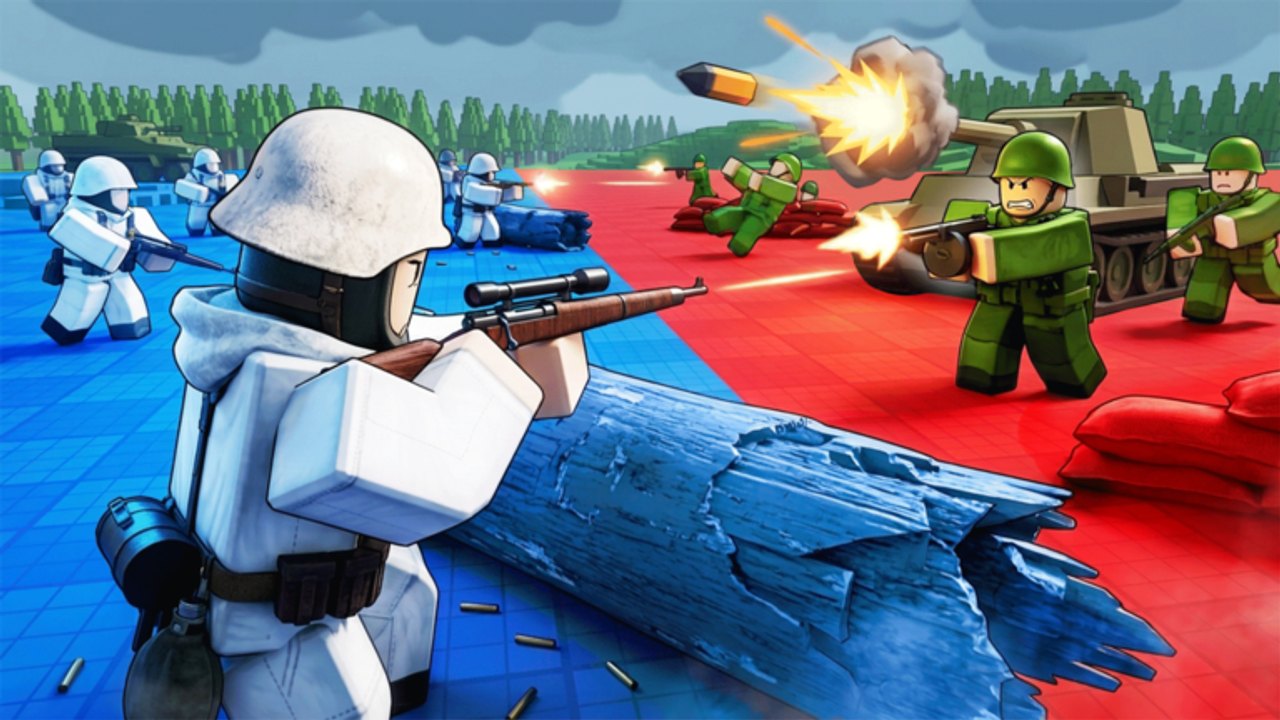
Total Conquest drops you onto a live strategy map the moment a second player joins. There is no long campaign menu. Your job in the first ten minutes is not to “look cool with missiles.” It is to own cities, keep a stack at home, and learn how sends actually resolve. This beginner page is that first session. For the full loop and a recorded match, continue into how to play.
What you just installed
You are playing Total Conquest [Beta] by LDS Fighting (Lightning Dragon Studio) on Roblox. Genre is strategy. Servers hold up to 50 commanders. The official how-to-play lines are short on purpose:
- Capture cities to boost troop production.
- Send your army into neighboring regions.
- Control the whole map to win and earn rewards.
- Spend those rewards on commands and upgrades.
Treat those four lines as law. Everything else on this wiki is timing and restraint around them.
Minute 0: lobby and HUD
Matches do not start with one person. If the game says it needs another player, wait. Use the time to find the shop cluster: premium pack, starter pack, command, missiles, and the gift button. Redeem com as soon as the match HUD appears — the redemption guide is the click path, the codes hub is the string.
Do not buy missiles yet. You do not know which tiles are cities. A missile on countryside is a wasted Robux-or-reward sink.
Minute 1: identify your spawn and the nearest city
Your first tile is not automatically the best tile. Scan for cities. Cities are the production engines. Regular regions are corridors. If your spawn is a city, celebrate quietly and put a defender stack on it before you send anything. If your spawn is countryside, your first send should walk toward a city, not toward the nearest enemy blob.
The city capture guide goes deep on sieges. The beginner rule is simpler: never empty a city to take empty land.
Minute 2–4: first sends
Select a tile you own, choose how many troops to move, and send them into a neighbor. This is a Risk-style resolution: bigger stacks usually win, but a naked capital still dies if you leave one troop on it. Keep a home guard. The troop-split planner exists because new players send 100% and then watch a third commander walk into the hole.
Useful beginner splits:
- 70% on the first city attack, 30% at home.
- If two neighbors are both cities, do not split 50/50 unless both stacks beat the visible defenders. Pick one city. Finish it. Then pivot.
Minute 5: commands, not chaos
If com gave you a command, read it. Movement and production orders are for the snowball. Strike orders (including missiles if that is what you rolled) are for a city you already plan to take this minute, not for a flex on the far side of the map. Details live in commands and upgrades and the command roster.
What “winning” means on day one
The win screen is map control, not a kill feed. You can be up on fights and still lose because someone else sat on more cities and out-produced you. That is why the how to win page talks about production lead, not highlight clips. For a first session, a good result is: two cities, a living spawn, and one command still unspent for the mid-game pile-on.
Friends and 50-player chaos
You can play with friends. Coordinate who walks which city so you do not siege each other. Do not assume the game has a full Hearts of Iron diplomacy layer — it is a live map with sends. Voice chat is listed as not supported on the Roblox page, so use an external call if you need it. Party etiquette: call your target city, call your home guard number, and do not dump missiles on an ally tile.
Beta expectations
The listing says BETA — expect bugs. Report them on the Roblox community, not in a random Discord that is not linked from LDS Fighting. The beta notes page lists the practical quirks: lobby waits, HUD hitches, gift button missing until the match starts.
First-session checklist
- Redeem
comfrom the codes list. - Find every city you can see from spawn.
- Take or hold one city without emptying home.
- Learn controls so you stop misclicking sends.
- After the match, read how to play and the opening tier list so the second game is not a repeat of the first overextend.
If you came here from a YouTube first-look, remember the creator was also learning the HUD live. Use their footage for layout, then use this wiki for the production rules the commentary skipped.
Frequently Asked Questions
Quick answers to the most common questions.
Can I start a Total Conquest match alone?
No. The experience waits for another player. Use that time to locate the gift button so you can redeem codes the instant the map loads.
What should I do first after spawning?
Identify cities, leave a home guard, and expand toward production tiles. Full send rules are in how to capture cities.
Should I spend Robux on the starter pack immediately?
No. Finish one match with the free command roll first. Packs do not teach you city priority.
Is Total Conquest still in beta?
Yes. LDS Fighting still tags the listing BETA. Expect bugs and read the beta notes before assuming a feature is broken forever.