
Total Conquest Command Roster
A practical roster for command rolls in the Total Conquest open beta — card-text first, no invented legendary names.
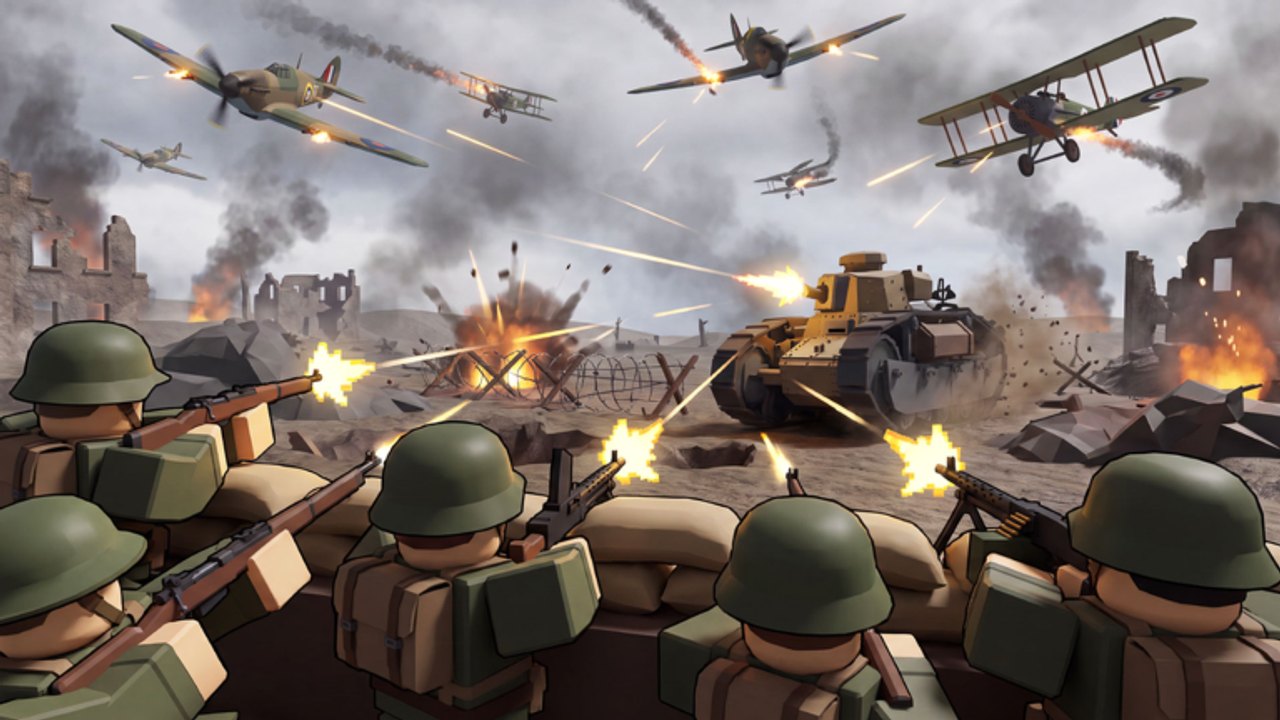
This roster is how you use a command once it is in your inventory. It is not a fake Pokédex of unpublished names. LDS Fighting has not shipped a public glossary. When card titles stabilize, rows will get names. Until then, every roll still sorts into a job. Pair this page with commands and upgrades for the economy and with the tier list for value.
How to sort a roll in five seconds
Read the card and park it in one bucket:
| Bucket | What the text usually implies | How to spend it |
|---|---|---|
| Production | Extra troops, faster collect, city bonus | Fire on a city you will still own in two minutes |
| Movement | Faster send, extra march, redirect | Fire when a stack is already walking to a city |
| Strike | Missile, bomb, damage, garrison shrink | Fire on the city you will enter this cycle |
| Defense | Shield, reinforce, emergency troops on a tile | Fire on the city a rival can actually reach |
| Unknown | Blank, buggy, or unclear | Hold. Blank cards are a beta bug, not an ultra |
If you cannot sort it, do not fire it. Holding is a valid roster move.
Production commands
These are the quiet S-tier spends. They look boring in a YouTube first-look. They win maps. Target your best city, collect, then send overflow. Do not target countryside. Do not target a city you are about to empty. The army hub explains floors versus overflow — a production command on a city with no floor is a gift to whoever walks in.
Movement commands
Use them to make a siege arrive before a rival can reinforce. They are not a license to walk your entire garrison across the map. Keep the floor, move the overflow. If the command lets you redirect an in-flight stack, redirect toward a city, not toward a loud fight on empty land.
Strike commands and missiles
Same targeting rule: city you will enter. Follow with a send. A strike without a walk is a firework. Shop missiles sit in this bucket even if they are not a “command roll.” The first-look match treated bombs as a toy; you will treat them as garrison-shrinkers. How to capture cities is the follow-up send.
Defense commands
Fire them late, when you are the city leader and the table is turning. A defense order on minute one is usually a wasted cycle you should have spent taking the second urban tile. A defense order on minute twelve while two stacks walk at your capital is why you saved a roll. How to win is the pile-on context.
The com roll specifically
com is one free command roll from the codes hub. Redeem it at match start via how to redeem. Sort it with the table above. Do not treat com as a unique named ultimate — it is a ticket into this roster.
If the roll fails or shows empty, rejoin and report on the Roblox community. That is a beta hitch.
What this roster will never list
- Gameloft Roman gods, praetorians, or apple farms from the 2013 mobile game.
- Conquer The World WW2 generals, nukes, and factory tracks.
- Script-injected “give all commands” payloads. Those belong in script safety as a warning, not as a feature.
Updating the roster
When a patch names commands, we will add a table with those names and keep the bucket column so old advice still maps. Until then, screenshot your card if you want to remember it, and play the bucket, not the hype.
Sort, hold, spend on a city. That is the entire roster skill.
Frequently Asked Questions
Quick answers to the most common questions.
Why doesn't this page list every command name?
The open beta has no public catalog. Inventing names would be fiction. Sort by job using the bucket table instead.
What should I do with an unclear card?
Hold it. Fire only when the text maps to a city you own or will take. Blank cards should be reported as beta bugs.
Is the com code a special command?
It is a free roll into this roster, not a unique ultimate. Redeem it on the codes page, then sort the card.
Where is the value ranking?
On the tier list hub. This page is how to spend; that page is what to value.