
Total Conquest Tools
Practical planners for the open beta: how many troops to send, how many to leave, and when a command is worth firing.
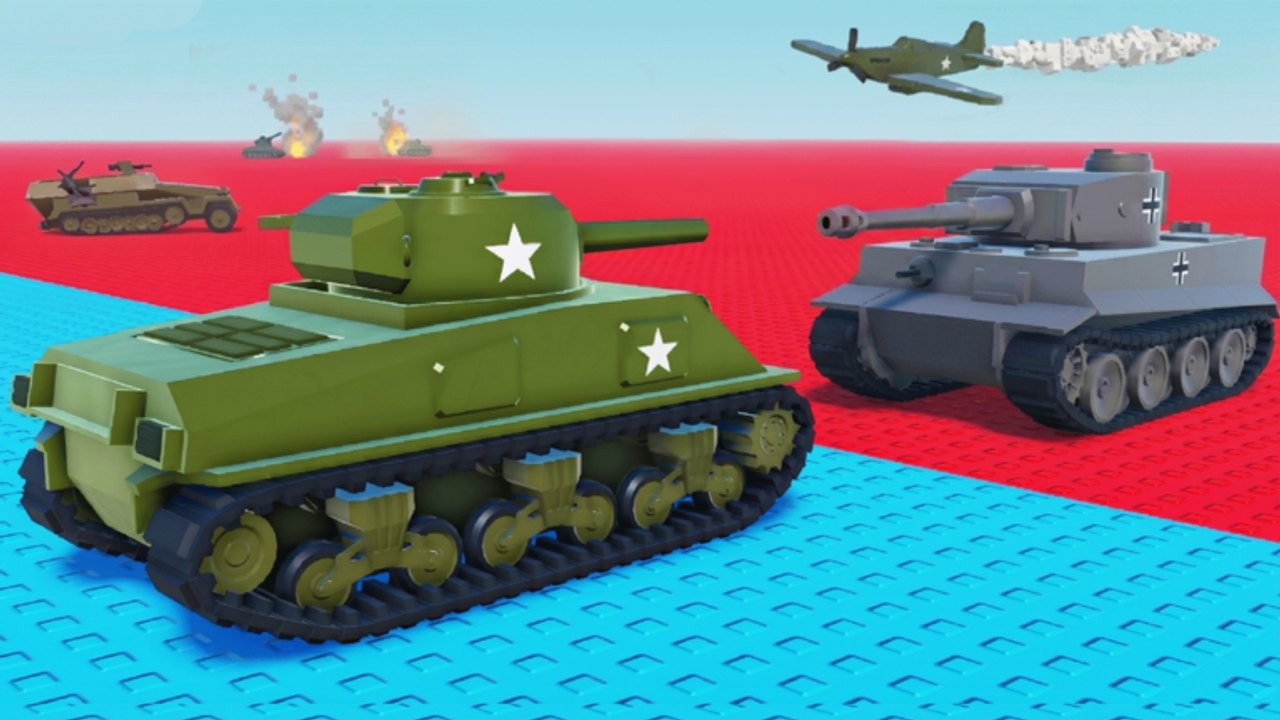
Total Conquest does not ship an in-game calculator. You still need numbers, even if LDS Fighting has not published tick rates. This hub is the napkin math that keeps cities alive. The main sheet is the troop-split planner. Everything else on the wiki teaches why; these pages teach how many.
What to open mid-match
| Tool | Use it when |
|---|---|
| Troop-split planner | You are about to send from a city and do not want to empty it |
| Command roster | You just rolled a card and need a bucket |
| Codes hub | Match start, before the first send |
| Openings list | You just spawned and are staring at two cities |
Bookmark the split planner. The rest can wait until a death makes the lesson stick.
Why a planner beats a script
Search traffic wants auto-send. Auto-send empties capitals. A planner forces you to pick a floor (garrison) and an overflow (attack). That is the skill the army hub describes. If you came from the scripts hub, this is the replacement.
Numbers we will not fake
We will not publish a fake “city produces 12.4 troops per 8 seconds” table. Those numbers are not public. The split planner uses percentages of your current stack so it stays true if a patch changes ticks. When official rates appear, we will add a second table and keep the percentages as a fallback.
How to use tools without tab-switching to death
- Decide the floor before you open the count box. Example: “this city never goes below a third.”
- Open the controls mental model: select, set count, send.
- Send overflow only.
- Collect. Tools do not collect for you.
- If a missile is involved, confirm the target is the city you will enter, then send. How to capture cities is the follow-through.
Friends
If you queue with friends, share floors in chat: “City A keeps 40.” That is a tool. The planner is just the method for choosing 40. Voice chat is not supported on the listing, so type the number.
After a patch
If a [🔥UPD] changes how counts work, play one match before you throw the planner out. Then check updates. Percentage floors survive most patches. Absolute “always leave 25” rules do not.
Use the planner, keep a floor, collect. That is the whole tools category until the beta ships an official overlay.
Frequently Asked Questions
Quick answers to the most common questions.
Is there an in-game Total Conquest calculator?
No. Use the troop-split planner and percentage floors until LDS Fighting publishes rates.
Why percentages instead of exact troop ticks?
Exact ticks are not public in this beta. Percentages still stop you from emptying a city if a patch changes production.
Can a script replace these tools?
Not safely. See script safety. A planner keeps your garrison; an auto-send will not.
Which tool should I open first?
The split planner if you are in a match. Getting started if you have not spawned yet.